 HiChina


Travel Guide
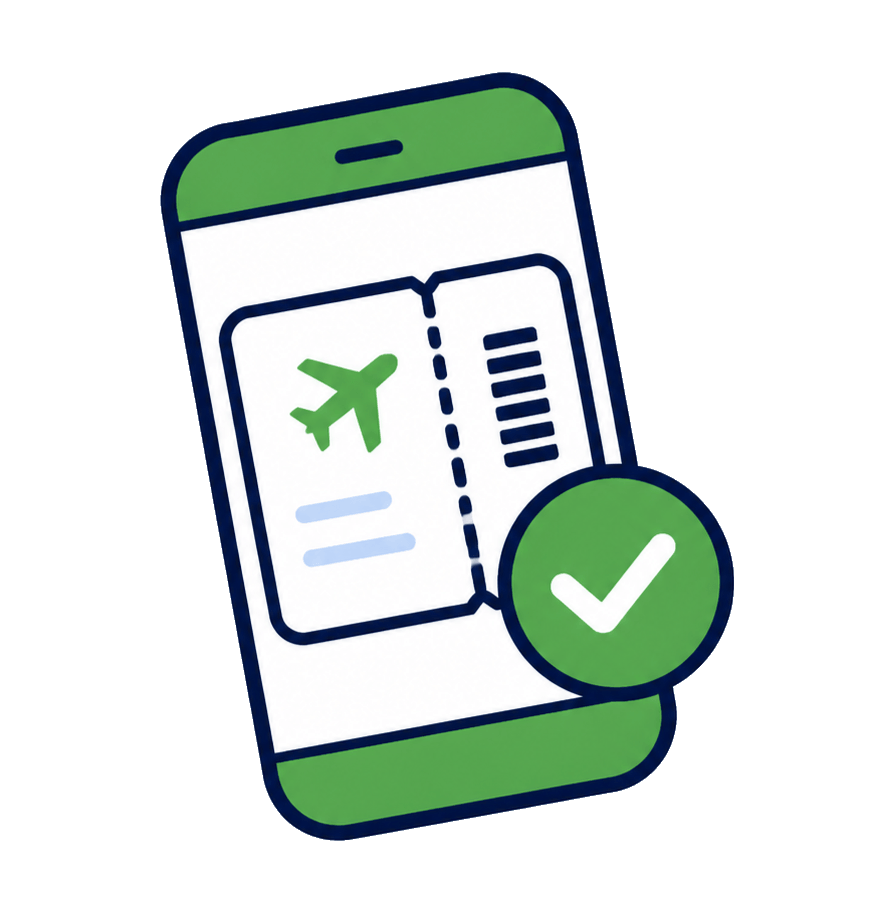
How to Check InFlights
From online check-in to the boarding gate, learn how to check in with HiChina and successfully complete airport and boarding procedures.
HiChina helps eligible travelers access online check-in, enter passenger and travel document information, select an available seat, and submit their check-in. After completing check-in, travelers must still check their baggage, undergo document verification and security screening, and complete boarding procedures according to the requirements of the operating airline and departure airport.
Key tips
Confirm the Check-in Times Online check-in opening and closing times are determined by the operating airline and may vary by flight, route, and airport.
Make Sure Your Travel Document Information Matches Your name, passport, or other travel document information must exactly match your booking record and travel document.
Allow Time for Airport Procedures Even if you have checked in online, checked baggage, international flight document checks, security screening, and boarding still require time.
What to know
Check-in and Boarding Process
Before departure, confirm the flight date, departure airport, terminal, operating airline, passenger name, and booking information. You can add or view flights in My Trip in HiChina and manage your flights and other itinerary information in one place.
Before going to the airport, check the operating airline's rules for carry-on baggage, checked baggage, and restricted items. Size, weight, quantity, and fee limits vary by airline and fare type. Knives, spare lithium batteries, power banks, liquids, and other items may be subject to carry-on or checked baggage restrictions. Follow the rules of the airline and airport security authorities.
Open Mobile Check-in from the HiChina home page or My Trip. Enter the passenger name and passport number as prompted. Online check-in availability depends on the operating airline, flight, route, passenger type, and check-in time.
If the operating airline provides a seat map for the flight, you can select an available seat in HiChina. If verification is required, enter the verification code, then review the passenger, travel document, flight, and seat information before submitting your check-in.
After submitting, confirm that HiChina shows that check-in was successful. Submitting the request does not necessarily mean that check-in has been completed. If the system provides an electronic boarding pass, save it to your phone. Some flights or airports may still require travelers to visit a counter for document verification or to collect a printed boarding pass.
How to Board
Arrive early at the correct airport and terminal. Visit the airline counter if you have checked baggage or need document verification, special assistance, or a printed boarding pass.
Complete security and any required international departure checks. Monitor your boarding pass, airport displays, and HiChina flight updates, and arrive at the gate before the deadline.
Board in the order announced by the airline, with your boarding pass, valid identification, and required travel documents ready. Once on board, stow your carry-on baggage and follow the crew's instructions.
How HiChina Can Help
Trip Management: Add, view, and manage your flight itineraries in My Trip.
Online Check-in: Access Mobile Check-in from the home page or My Trip.
Seat Selection: Select an available seat when the airline provides a seat map.
Flight Updates: Check delays, terminals, boarding gates, and arrival information.
Travel Assistance: Use arrival card, ride-hailing, translation, and map features to assist with airport travel.
HiChina provides access to and guidance through the check-in process. Online check-in availability, seat selection, boarding pass format, and final boarding requirements are determined by the operating airline and airport.
Frequently asked questions
Which flights can I check in for online with HiChina?
Availability varies by operating airline, flight, route, airport, passenger type, and check-in time. Check Mobile Check-in in HiChina to see whether a specific flight is eligible.
Can I board directly after successfully checking in online?
Not necessarily. You must still complete security screening. International flights usually also require document and departure immigration checks. If you have checked baggage or require manual document verification, you must also visit the airline counter.
Can I select a seat in HiChina?
If the operating airline provides a seat map for the flight, you can select an available seat. Seat availability, fees, and assignment rules are determined by the airline.
Can electronic boarding passes be used at all airports?
Not necessarily. Whether electronic boarding passes are accepted depends on the airline, flight, and airport. Follow the instructions on the HiChina check-in result page and those provided by the operating airline and departure airport.
Where can I check for boarding gate changes?
Check airport information displays, your boarding pass, airline notifications, and flight updates in HiChina. Close to boarding time, follow the latest information provided by the airport and operating airline.
Discover more guides
How to Check In
From online check-in to the boarding gate, learn how to check in with HiChina and successfully complete airport and boarding procedures.
You are hereSee more
Entry Policy
Prepare your passport, visa, arrival card and other entry documents.
Read guideSee more→
Currency Exchange
Learn how to exchange, withdraw and use RMB during your trip.
Read guideSee more→
Emergency Contacts
Save essential police, medical, fire and consular assistance numbers.
Read guideSee more→
Payment Preparation
Get ready for mobile payment, bank cards and cash payments in China.
Read guideSee more→
Culture Guide
Understand local etiquette, public behavior and business customs.
Read guideSee more→
Sustainability
Travel responsibly with practical recycling and low-carbon tips.
Read guideSee more→
Entry & Residence
Check visa exemption, transit, extension and residence information.
Read guideSee more→
Shanghai Style
Craft your Shanghai Style and take home a memory of the city.
Read guideSee more→